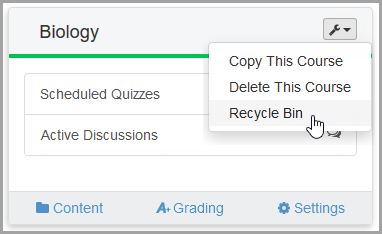
, then click Recycle Bin.
If you have deleted an activity, folder, or resource, you can restore it from a course’s Recycle Bin.
1.On the Dashboard, on the course for which you want to recover content, click , then click Recycle Bin.
|
|
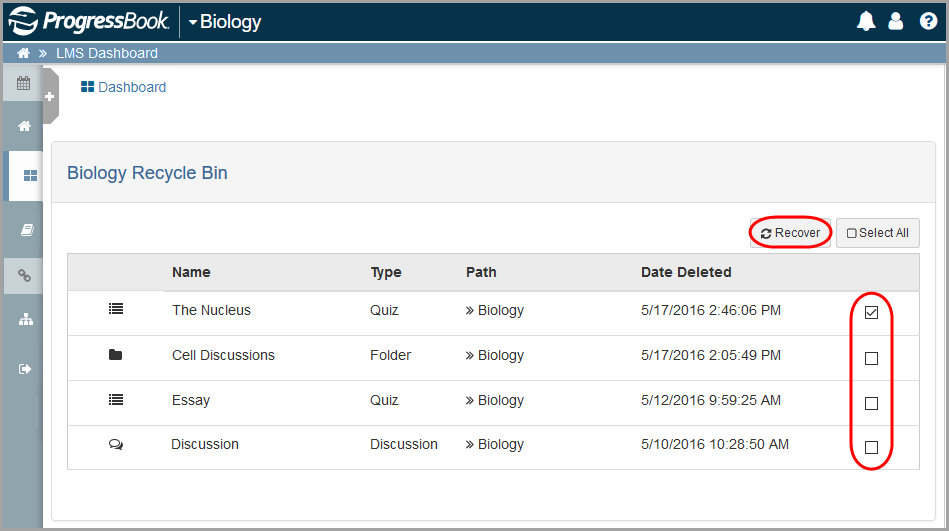
The Recycle Bin displays a list of items you have deleted and when.
2.Select the checkbox(es) in the row(s) of the item(s) you want to recover.
3.Click  .
.
|
|
The content you recovered now displays on the Content screen for the course.