|
|
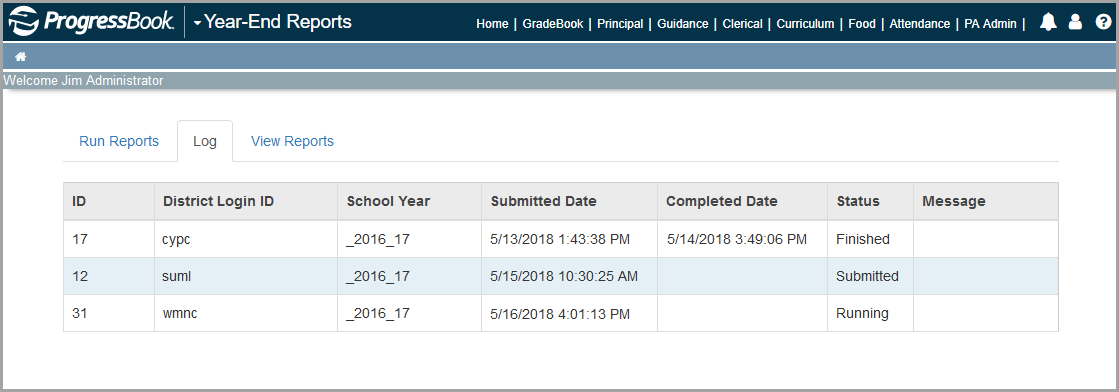
1.Click the Log tab.
Status information for the reports you have chosen to run displays. If another user ran reports, information for those also displays if they are for districts to which you have access.
2.For each school district (referenced by ID and District Login ID) and year (referenced by School Year), view the Submitted Date, Completed Date, Status, and Message column information.
|
|
The Completed Date column may not contain data if the report has not yet successfully run. The Status column displays whether the reports have been Submitted, are Running, are Archiving, have Finished, or have Failed. If the reports have failed, the Message column displays more information about the issues encountered.