|
|
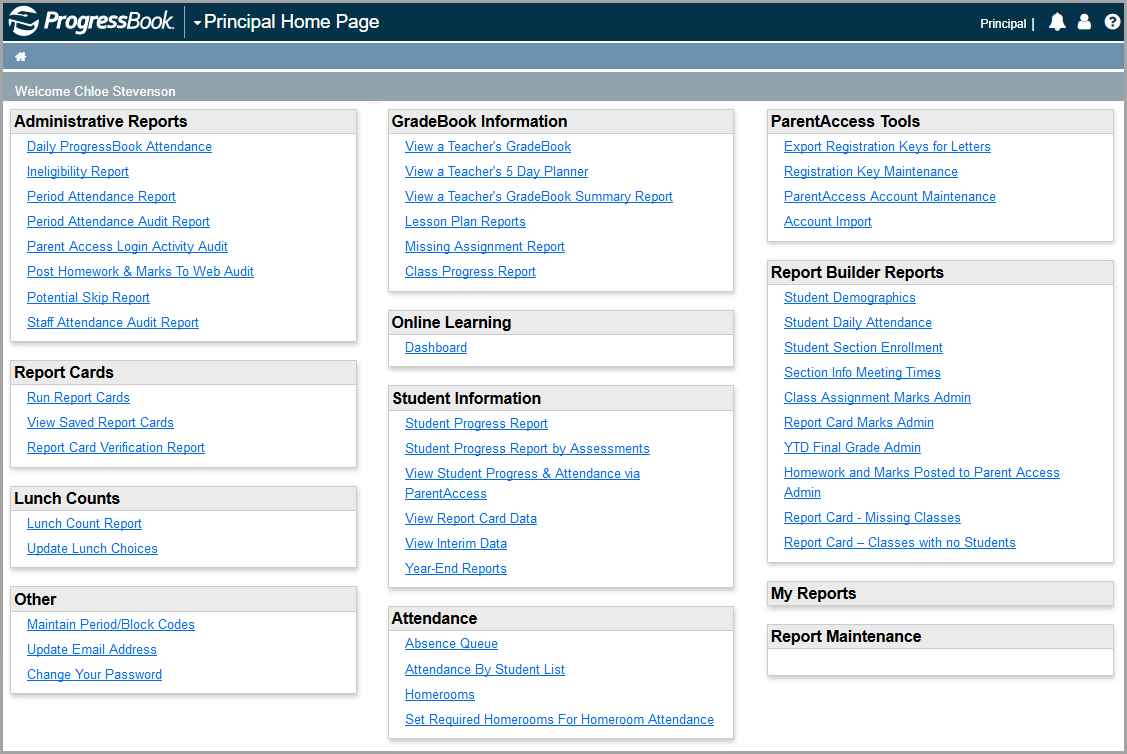
The Principal Home Page is the first screen that displays when you log in to GradeBook and is the main work area for users logged in as principals. The Principal Home Page is divided into the following sections: Administrative Reports, Report Cards, Lunch Counts, Other, GradeBook Information, Student Information, Attendance, ParentAccess Tools, Report Builder Reports, My Reports, and Report Maintenance.
Note: If you have access to more than one district, below Principal Home Page, you can change the district in the Select a district drop-down list.
|
|