 displays beside the student’s name.
View a RIMP on the RIMPs Screen
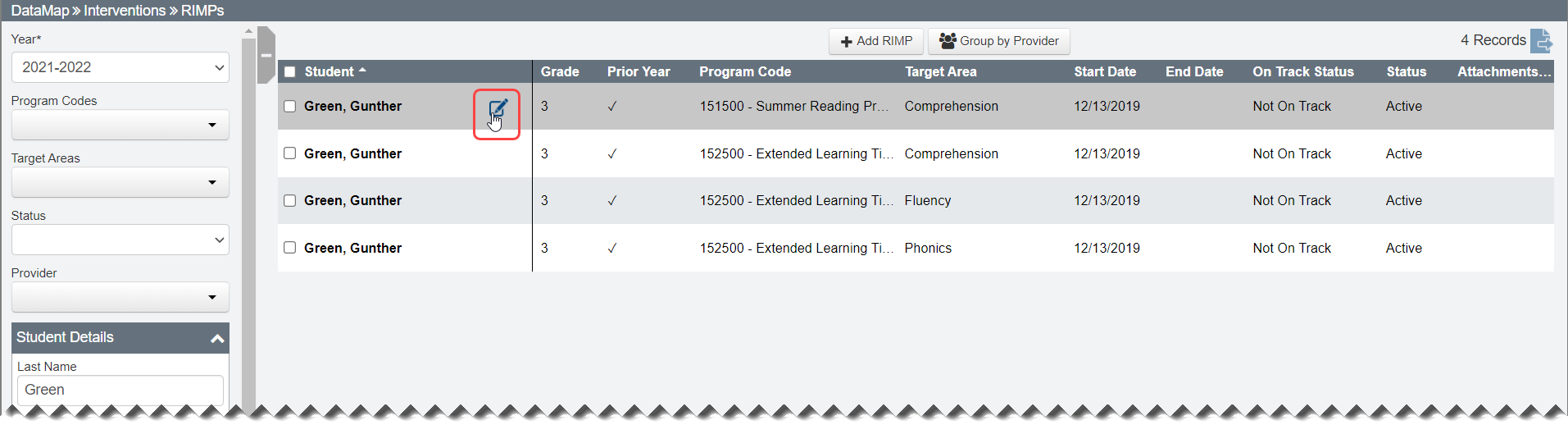
Navigation: DataMap > Interventions > RIMPs
1.On the RIMPs screen, in the row of the RIMP you want to view, hover your cursor until displays beside the student’s name.
2.Click  .
.
Note: You can view closed RIMPs on the Read-Only screen. Hover your cursor in the row of the closed RIMP you want to view, and then click  .
.
The Edit Student RIMP screen General tab displays.

Note: Student demographic information displays above all tabs in the RIMP.
Note: For information on editing RIMPs, see “Edit a RIMP.”