Navigation: DataMap > Interventions > RIMPs
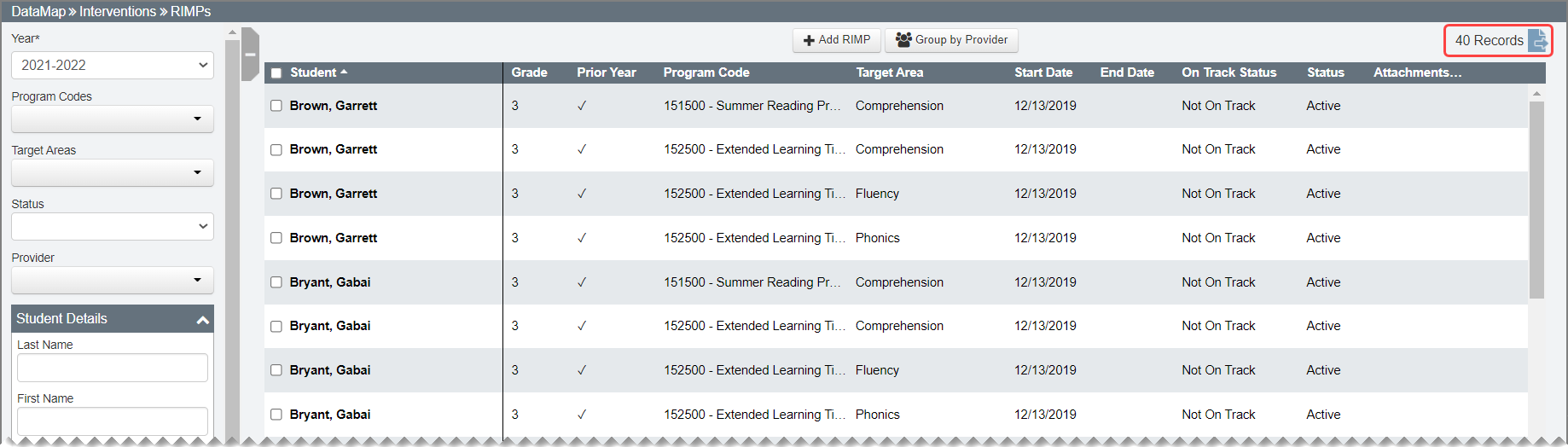
On the RIMPs screen, you can view all RIMPs for the students to whom you have access. The screen displays each RIMP code for each student as a separate record and provides the total number of records on the top-right corner of the screen.
Note: To sort the data by a column, click the column heading.
Using the Search Panel
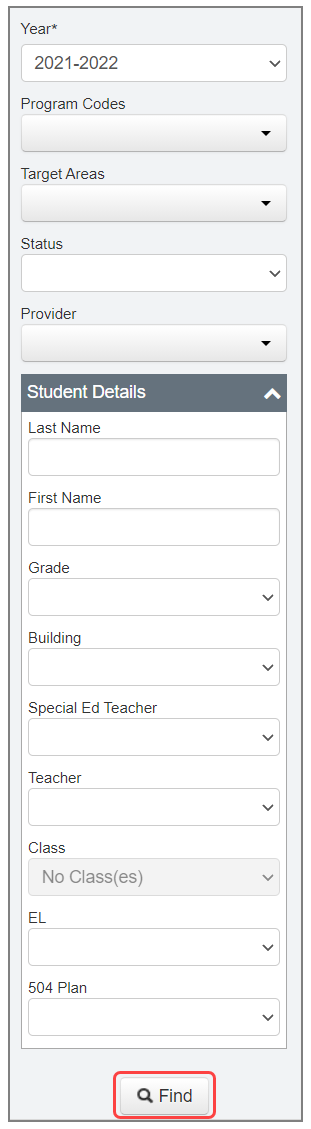
To further narrow your results, in the search panel on the left side of the screen, enter additional search criteria. Then, click Find.
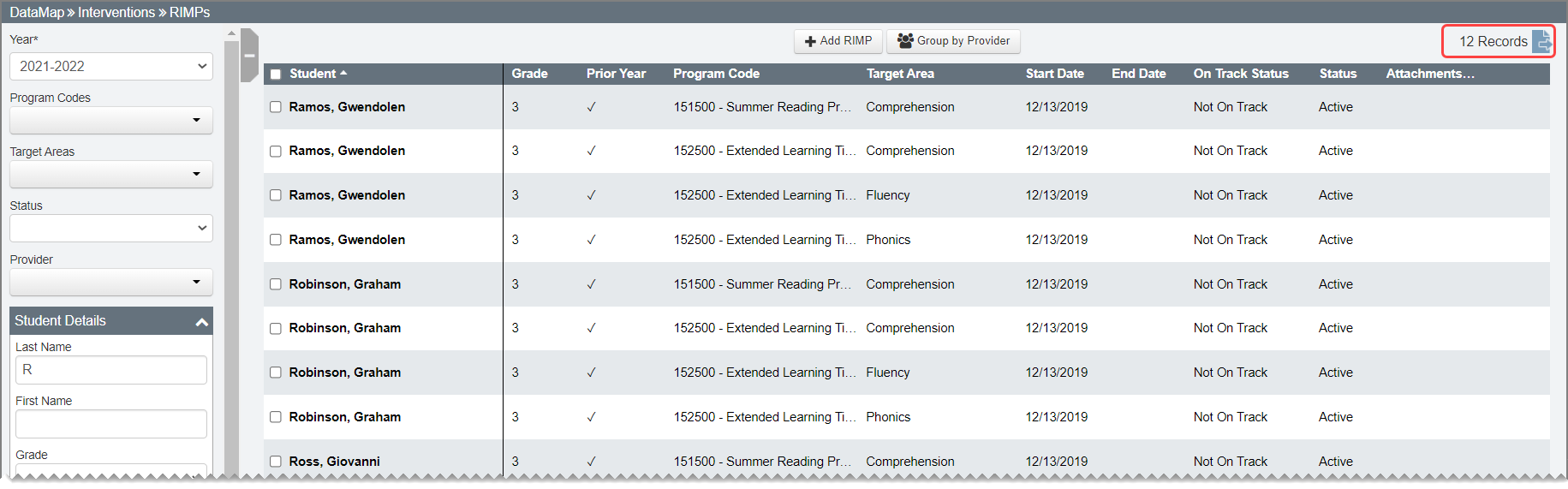
A more refined list of students with RIMPs matching your search criteria displays as reflected by the updated record count.
Note: Click  to export your search results to a CSV file.
Grouping by Provider
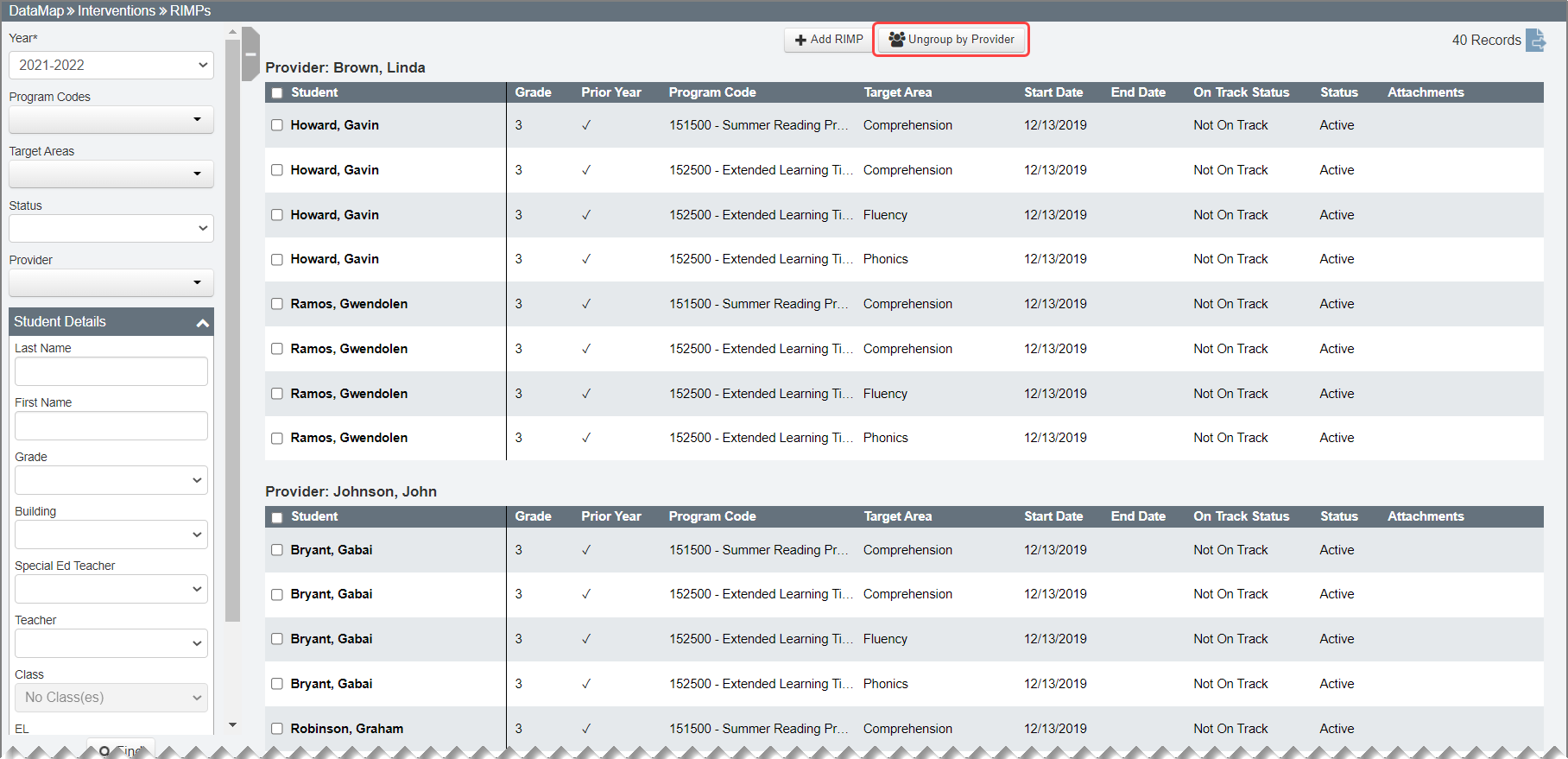
Click Group by Provider to view an alphabetic list of providers and the student RIMPs associated with each provider. When RIMPs are grouped by provider, you can sort columns within a single table for a provider.

Note: When the grouped by provider results are exported, the exported CSV file includes the Provider Name column.
To return to the list of students, click Ungroup by Provider.